A booking website for a salon or studio: what it needs
The client journey from search to review, service pages, staff schedules, reminders and an admin on your phone. Explained with a massage studio in Batumi as the example.
 Artem Grigorievykh · 11 min read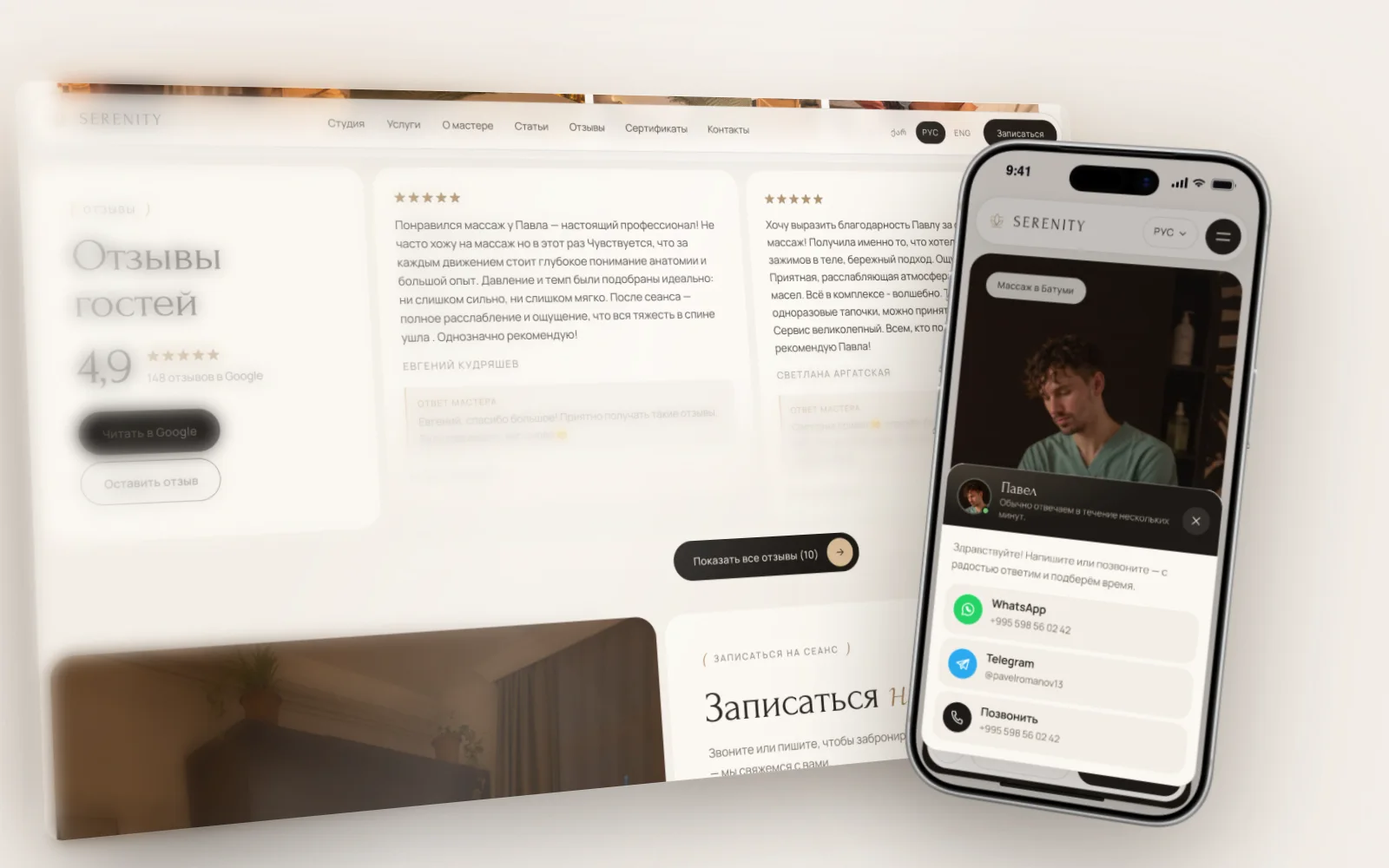
A booking website for salon and studio owners does one job: clients book themselves at any hour. They pick a service, a specialist, a day and a time, and leave a phone number. To make that work you need service pages with prices, a short booking form and an admin where you see each new booking instantly and can reply within a minute. Below we walk through how it works, using a project we built for a massage studio in Batumi.
This is for beauty salons, massage studios, barbershops, private clinics and yoga studios. The services differ, but the mechanics are the same: a service, a time, a specialist, a reminder, a return visit.
The client journey: from search to review
Follow a client through it and you’ll see what the website needs.
1. Search
Someone types “back massage Batumi” or “manicure Tbilisi” into Google and opens the top results, usually on a phone and often in the evening, when you are closed. A dedicated page for that service gives you a far better chance of showing up than one general “Services” page.
2. Service page
The client checks the price, duration, photos and reviews, and decides. The “Book” button should be visible right away.
3. Booking
Service, specialist, day, time, name and phone. No account, no password. The client sees only free slots and gets a confirmation on screen.
4. Reminder
The day before, the client gets a message with the date, time and address. It is the cheapest way to cut no-shows.
5. Visit
The specialist sees in advance who is coming, for what, and what happened last time.
6. Review
After the visit you ask for a review. Reviews show up on the website and on your Google Maps listing, so the next client at step two sees that people come back.
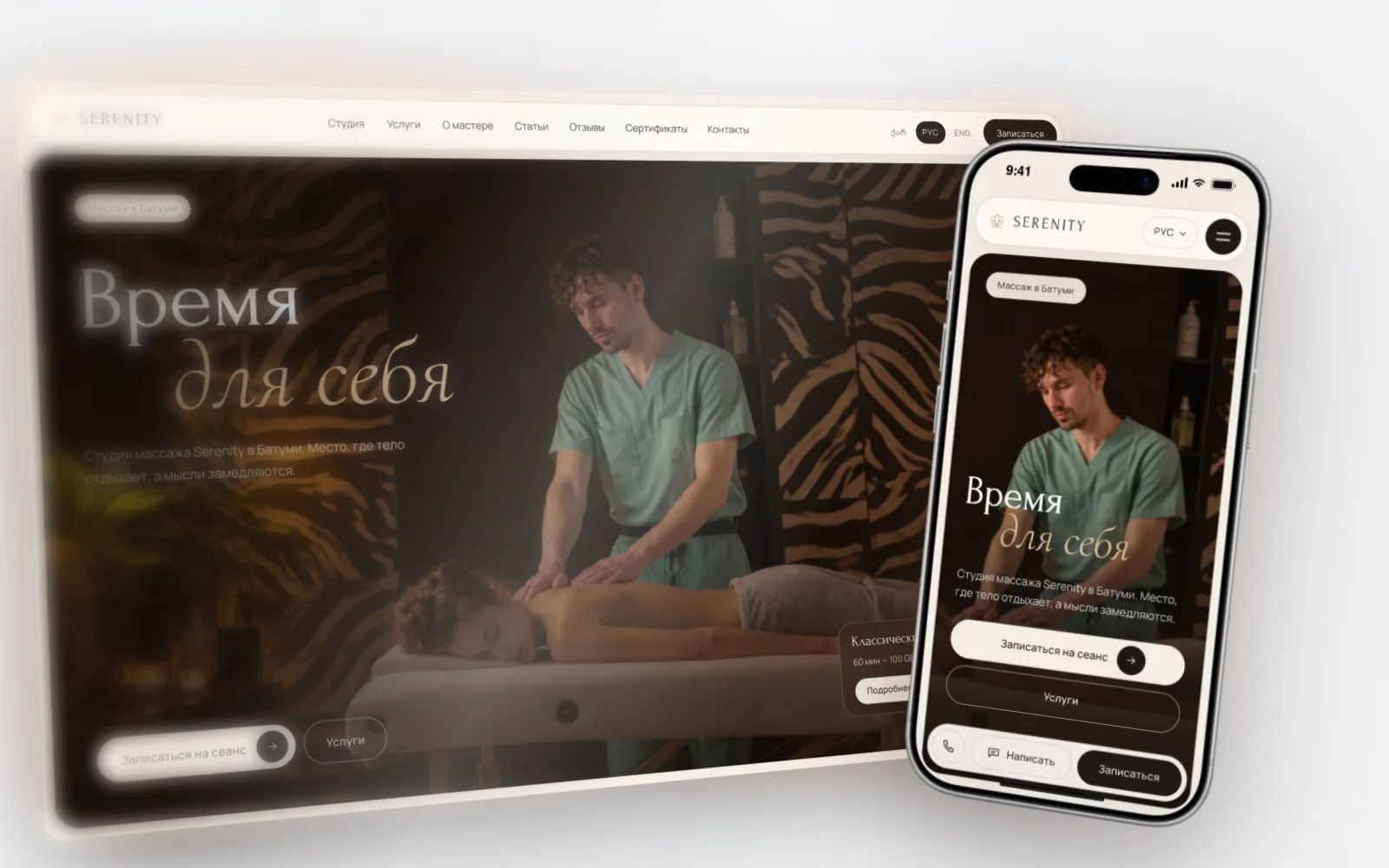
Service pages: how a booking website for salon owners brings in clients
Most new clients search for a service and a city, not your salon’s name. So we build the site around service pages rather than one pretty homepage.
One service, one page
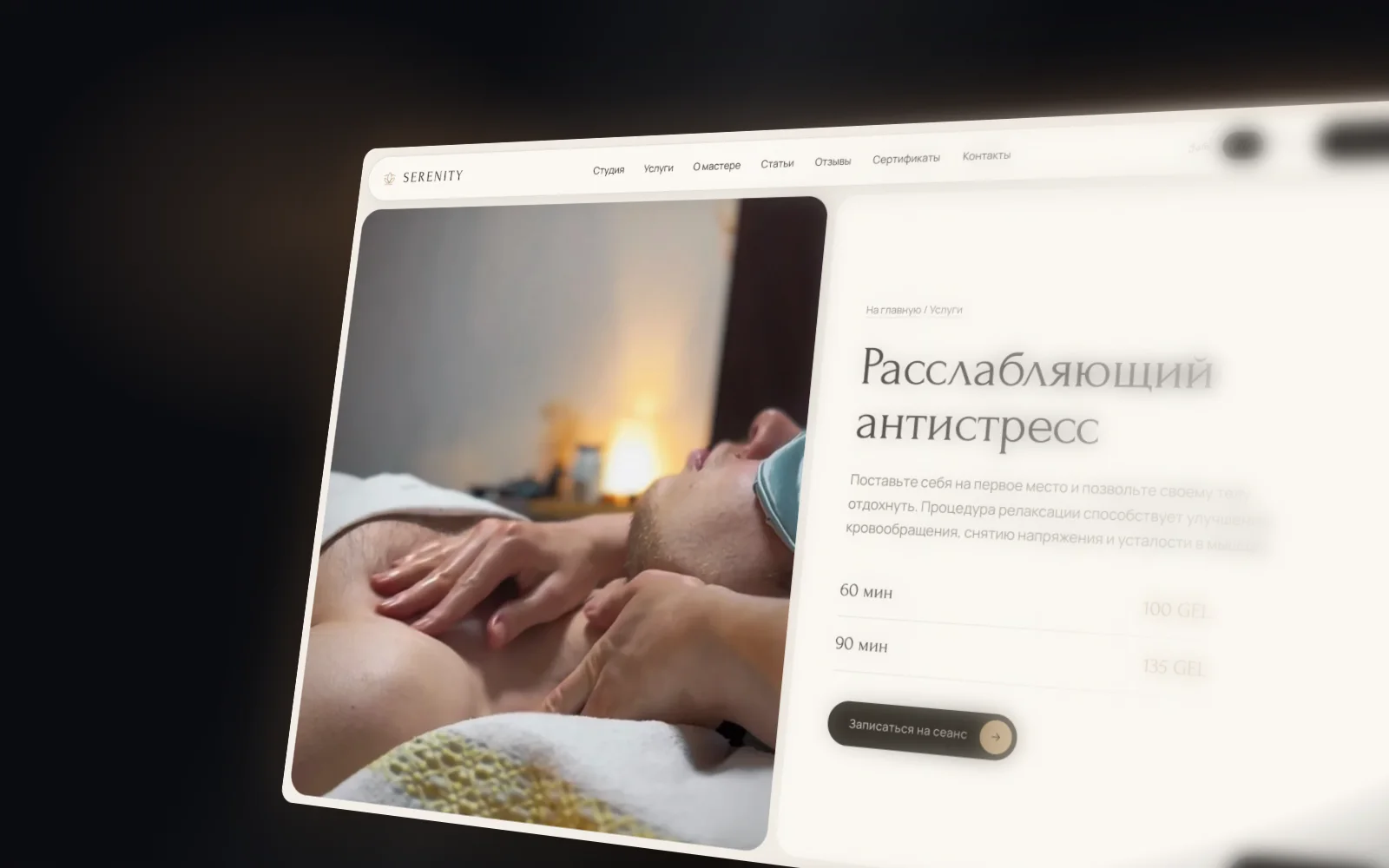
A “Back massage in Batumi” page answers the search “back massage Batumi” better than a list of twenty items. It should have:
- a heading with the service and the city;
- price and duration, and every option if there are several (30, 60, 90 minutes);
- what is included and who it suits, in plain words;
- any limitations or contraindications;
- photos of the room and the specialist, and reviews of this exact service;
- a “Book” button that opens booking with this service already selected.
Three languages
In Batumi and Tbilisi people search in Georgian, Russian and English. Each language version needs its own page addresses, headings and search descriptions. These are three real pages, not one page run through a machine translator. We cover this in detail in our article on multilingual websites in Georgia.
Articles
Articles answer questions clients ask before booking, like how often to come or how to prepare. They bring people in from search and lead them to service pages. More on that in our guide to SEO in Georgia.
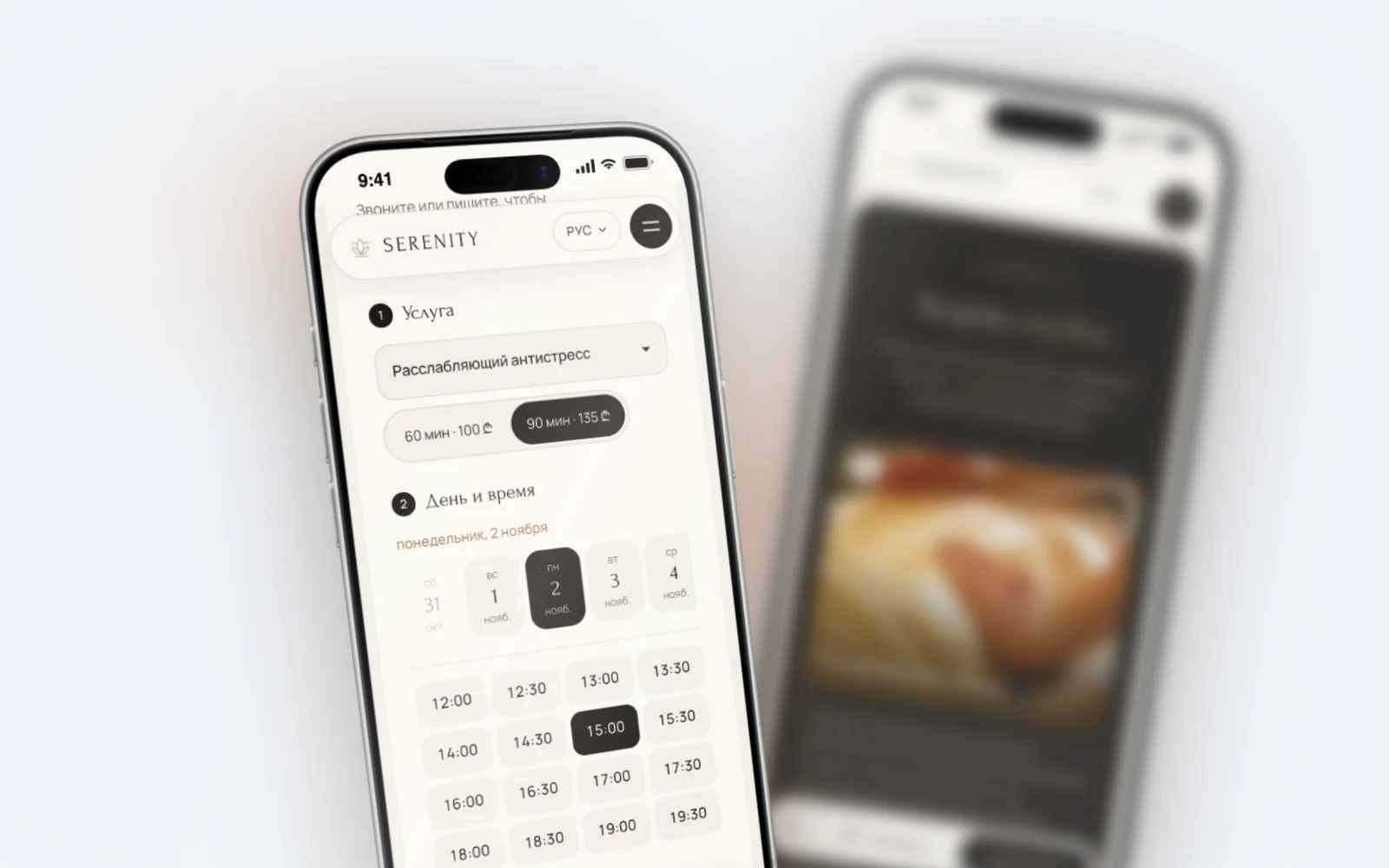
The booking form: what it should ask
The form decides whether a client finishes. The rule is simple: if you can avoid asking something, don’t ask it.
- Service. If the client came from a service page, it is already selected.
- Specialist or “anyone available”. Some people want a specific person, others want a convenient time.
- Day and time. Show only free slots. The system accounts for service length, breaks and each specialist’s working hours.
- Name and phone. A comment is optional. No email, account or password.
- Confirmation. A “You’re booked” screen with the date, time, address and a WhatsApp button.
Most salon bookings are made on phones, so the form must fit the screen without tiny buttons, and that is where we test it first.
Specialists and their schedules
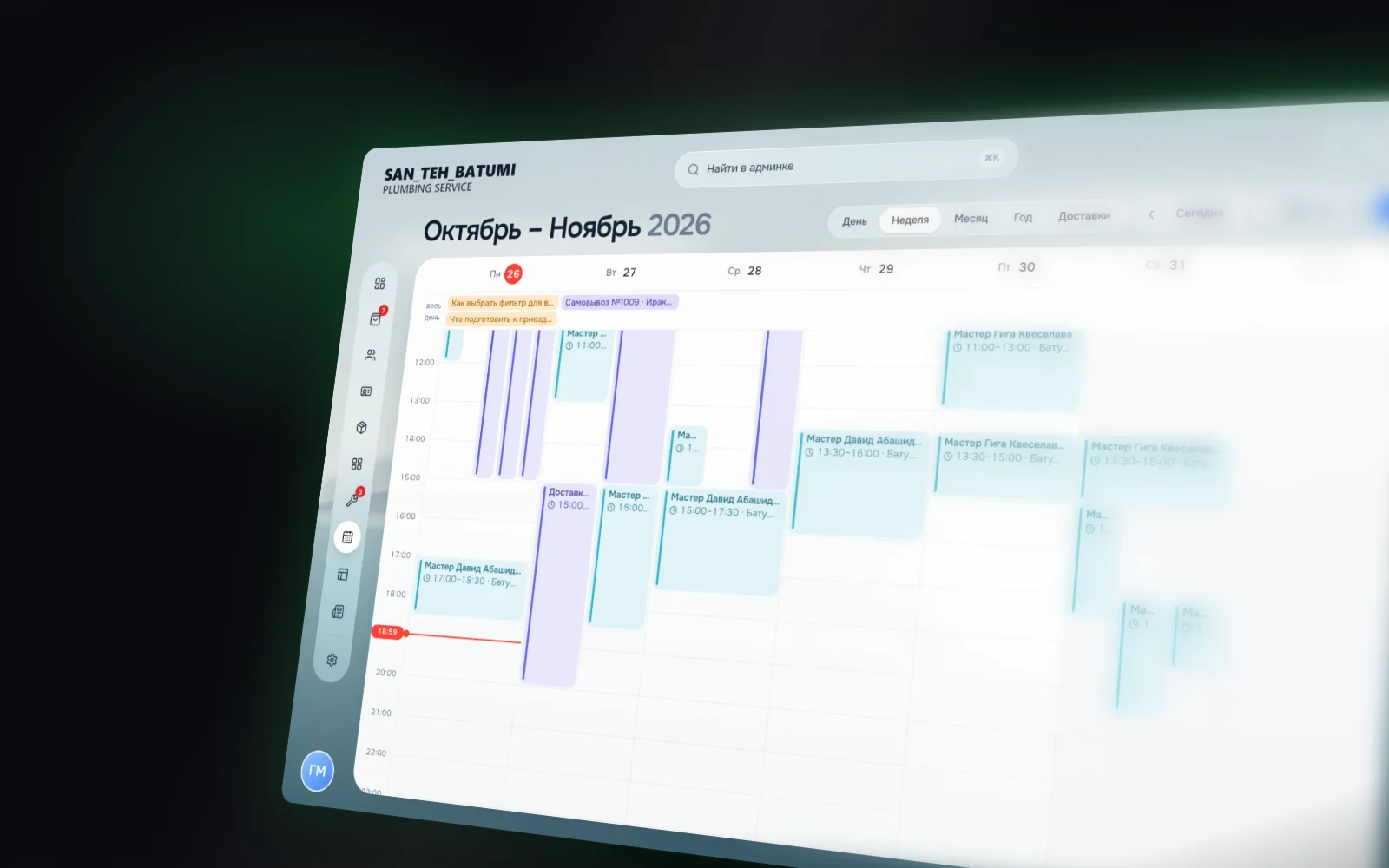
If you have more than one specialist, booking has to know each person’s schedule. Otherwise a client picks a time when their specialist isn’t in.
What you set for each specialist
- working days and hours, including different hours on different days;
- breaks, days off, holidays and sick days;
- the services they do and how long each takes them;
- a photo and a short bio for the website.
If a specialist is ill, you close their day and the website stops offering those hours. Existing bookings show as a list to move elsewhere.
Rooms and halls
In clinics and yoga studios the limit is often a room or a hall rather than a person. The schedule accounts for that too, so a group class can’t take more people than fit in the hall.
Salon, barbershop, clinic, yoga: what differs
Each niche has details worth planning from the start.
- Beauty salon. Many specialists and services, clients often book a specific person. Booking several services back to back, like a manicure and a pedicure, is useful.
- Massage studio. One service in several lengths, one or two rooms. Separate pages for each type of massage matter for search.
- Barbershop. Short services, many bookings a day, choice of barber. Lots of regulars who want to rebook in a couple of taps.
- Clinic. A doctor and a room, first and follow-up visits, preparation notes. Clear specialist profiles matter most here.
- Yoga or dance studio. Group classes with a seat limit, a weekly timetable, passes.
No-shows, reminders and deposits
An empty slot nobody turned up for can’t be sold twice. Plan three things in advance.
Reminders
A message a day before and a couple of hours before: date, time, address and a way to reschedule. People who can’t make it are more likely to tell you if it is easy.
You can send a reminder by hand: next to each booking in the admin there is a button that opens WhatsApp with the client’s number. Automatic messenger reminders need a separate sending service, and each channel has its own rules, so discuss this at the start of the project.
Rescheduling and cancelling
Give clients a way to move a booking, not just cancel it. The freed slot shows up on the website at once and someone else can take it.
Deposits
A deposit cuts no-shows but puts some clients off. Salons usually turn it on selectively:
- for long and expensive treatments;
- for new clients, while regulars book without paying upfront;
- for the slots that go first, like evenings and weekends.
You can take card payments on a website in Georgia through Bank of Georgia or Flitt by TBC. We explain how in Online payments on a website in Georgia. Write your refund rule for cancellations in advance and show it right in the booking step.
The admin: bookings, clients and edits from your phone
The website gets the client to book. The admin makes sure the booking isn’t lost and the specialist is ready.
What it should include
- Today’s bookings and a calendar for the week and month.
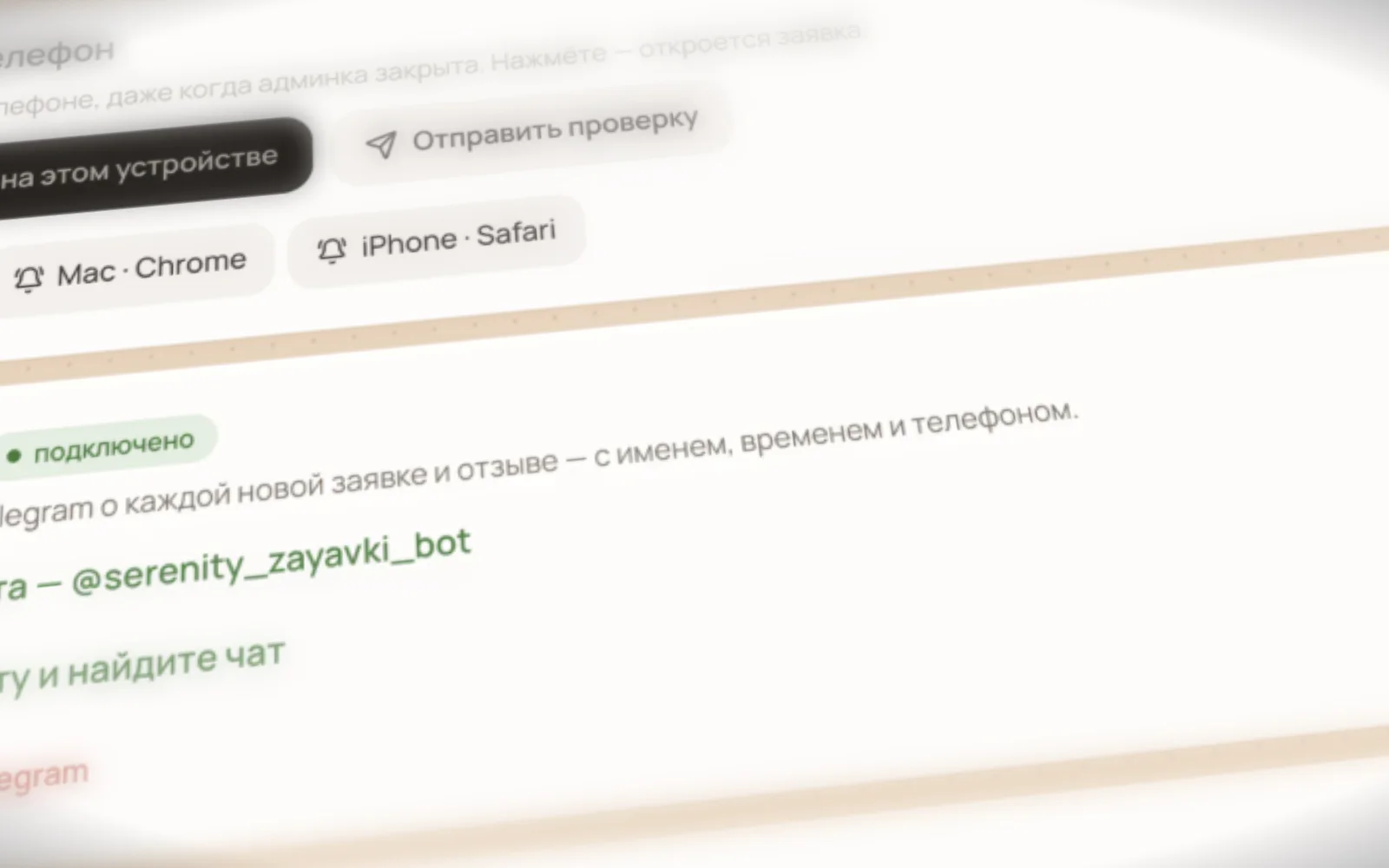
- New booking notifications in the admin and in Telegram.
- Client cards: contacts, visit history, notes.
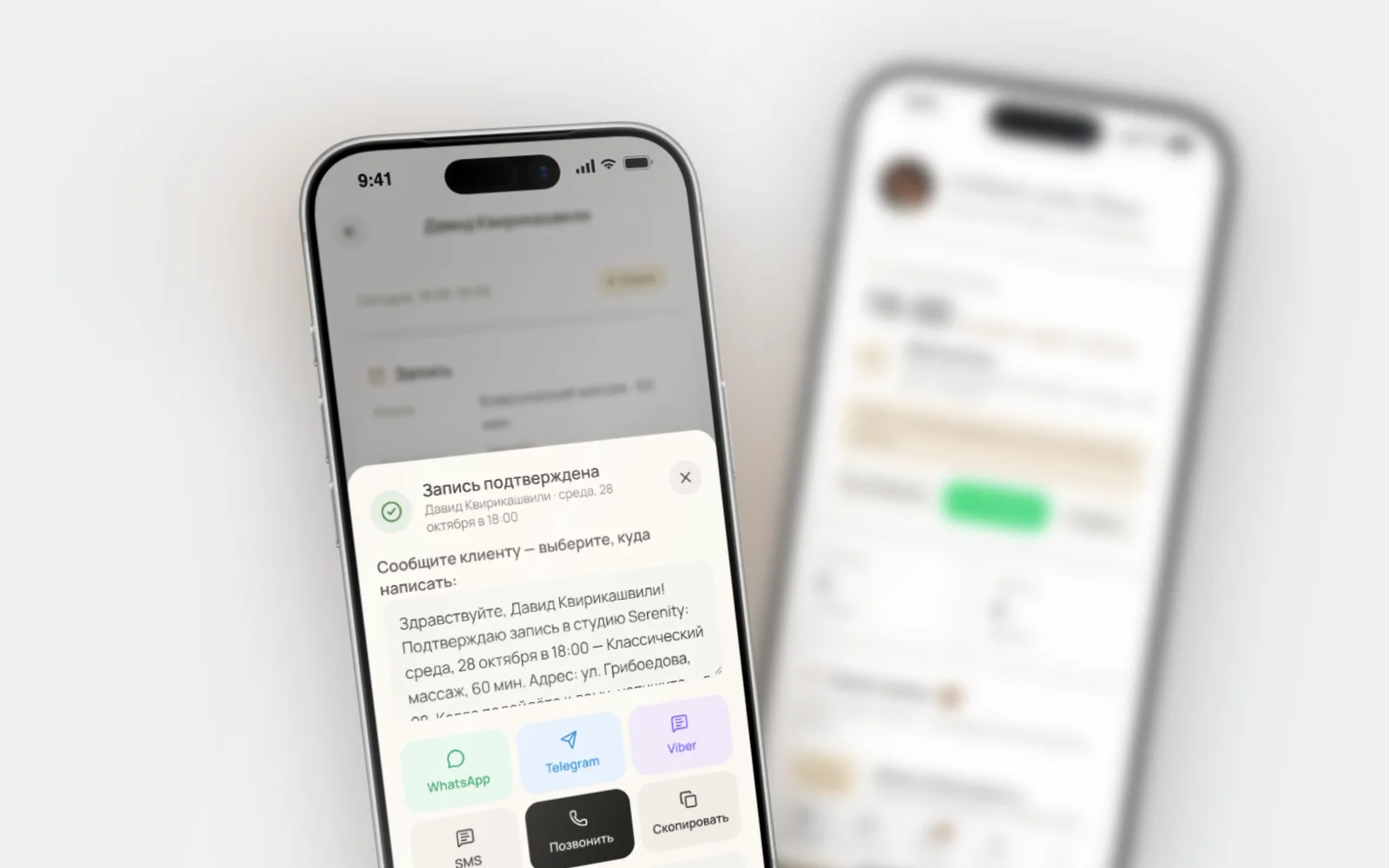
- One-tap reply in WhatsApp, no copying numbers.
- Services and prices you change yourself, without a developer.
- Website copy and photos you can also edit on your own.
- Staff roles: the receptionist sees everything, a specialist sees their own bookings.
The admin on your phone
Salon owners rarely sit at a computer. That is why our own admin opens on a phone like an app: an icon on the home screen, two-step sign-in, bookings and notifications at hand.
Moving bookings over from a notebook or spreadsheet
Before launch, clients and upcoming bookings are moved into the admin from a spreadsheet, a notebook or a previous booking service:
- Collect the client list: name, phone, notes.
- Add upcoming bookings so those hours are already closed on the website.
- Check each specialist’s schedule for the next few weeks.
- Only then open booking on the website.
Your own booking or a third-party service
Ready-made booking services are quick to set up, but you pay every month and your client base lives in someone else’s system.
Your own booking costs more at the start, but:
- there is no subscription, the website and admin belong to you;
- the client base is yours and stays if you change contractors;
- service pages and booking live on one site and help your search rankings;
- everything is in the languages and style you need.
With one specialist and a couple of services, a ready-made service is a fine start. With several specialists, clients speaking different languages and plans to grow through search, your own booking pays off faster. We compare the options in Tilda, Wix or a custom admin.
Example: a booking website for Serenity in Batumi
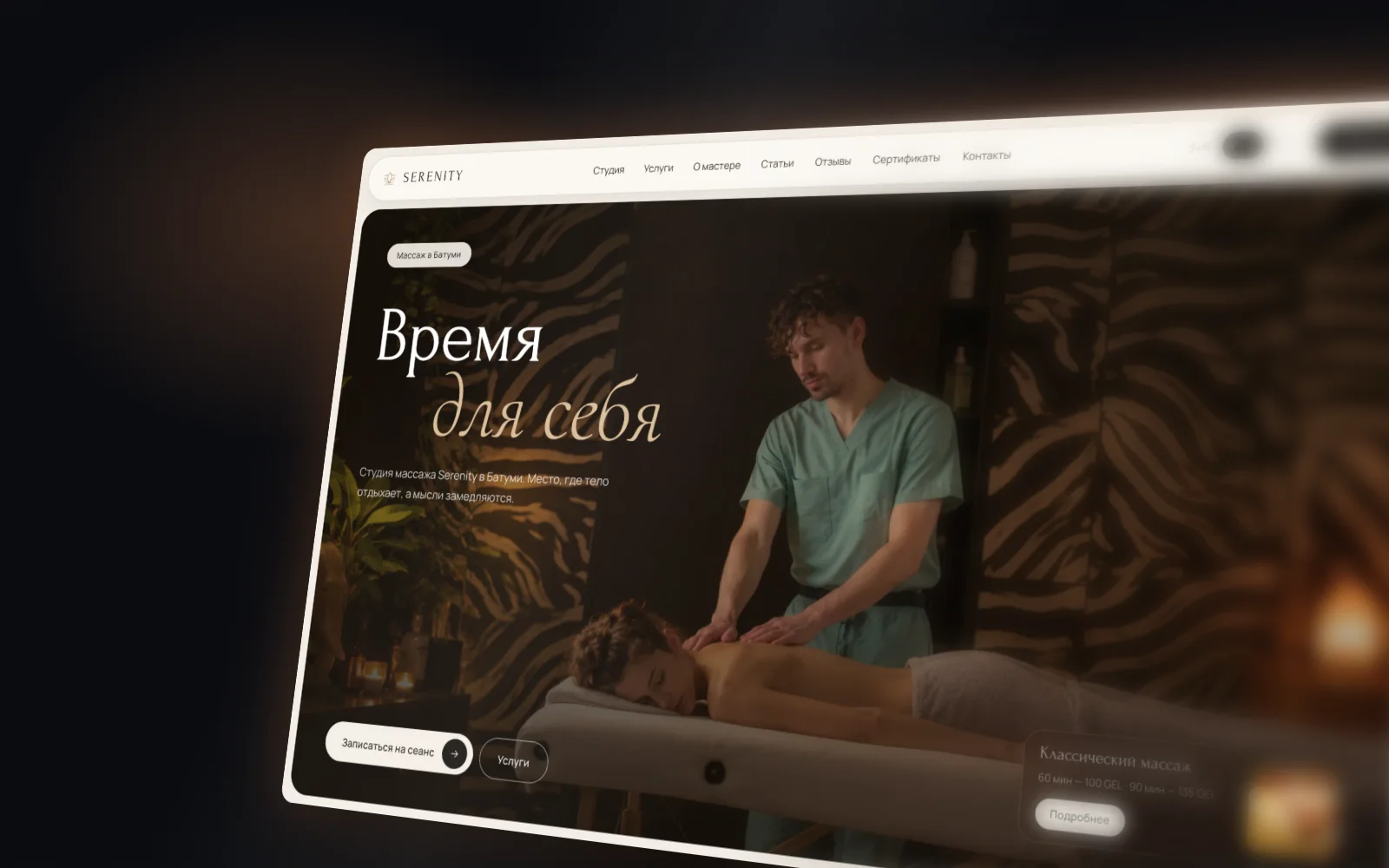
Serenity is a massage studio in Batumi. The goal was clear: clients book themselves in their own language, and the therapist stops losing requests in chats.
What we built:
- A website in three languages: Georgian, English and Russian, 75 pages in total with services, articles, reviews and contacts.
- Online booking in four steps: service, day, time, contacts.
- Requests go to the admin and to Telegram.
- Replying to a client takes one tap in WhatsApp.
- The therapist edits prices, photos and copy from a phone.
- Articles on the site so clients find it when searching their questions.
The site launched in one day. That was possible because the core of the admin was already built: we assembled the site from ready blocks rather than writing a system from scratch. Custom logic takes longer, and we give you the timeline upfront.
FAQ
How much does a booking website for a salon cost?
Our prices are below the market: a simple website starts from $100–200, and online booking is added as an extra feature. The total depends on the number of services, specialists and languages, and on whether you need deposits. We break down the cost drivers in How much does a website cost in Georgia. We give an estimate for your salon after a call, once the services and schedule are clear.
How long does it take?
Design, copy, development and SEO usually take about a week. Custom logic such as rooms, passes or deposits takes longer. We name the timeline before we start.
Do I need deposits?
Not necessarily. Many salons start without them and turn deposits on only for expensive treatments or new clients.
What if a client books by phone?
The receptionist adds the booking to the same admin and the slot closes on the website immediately. No double bookings.
Can clients book different specialists?
Yes. Each specialist has their own schedule, services and service lengths. Clients choose a specific person or anyone available.
Will booking work in Georgian?
Yes. The website, the booking form and the confirmation work in Georgian, English and Russian, and switching language takes one click.
Do I pay for booking every month?
Not for the admin or booking: they belong to you. Only the domain and hosting remain.
Let’s build a booking website for your salon
We do website development in Batumi and across Georgia and work remotely too. Take a look at our services and tell us about your salon or studio: what services you offer, how many specialists you have and which languages your clients speak. We reply within a working day on Telegram, WhatsApp or through the form below.